> ## Documentation Index
> Fetch the complete documentation index at: https://docs.sellagent.ai/llms.txt
> Use this file to discover all available pages before exploring further.
# Introduction
> 📞 Build, test, deploy, and monitor AI phone agents.
**Sell Agent** is a comprehensive platform for building, testing, deploying, and monitoring reliable **AI phone agents**.
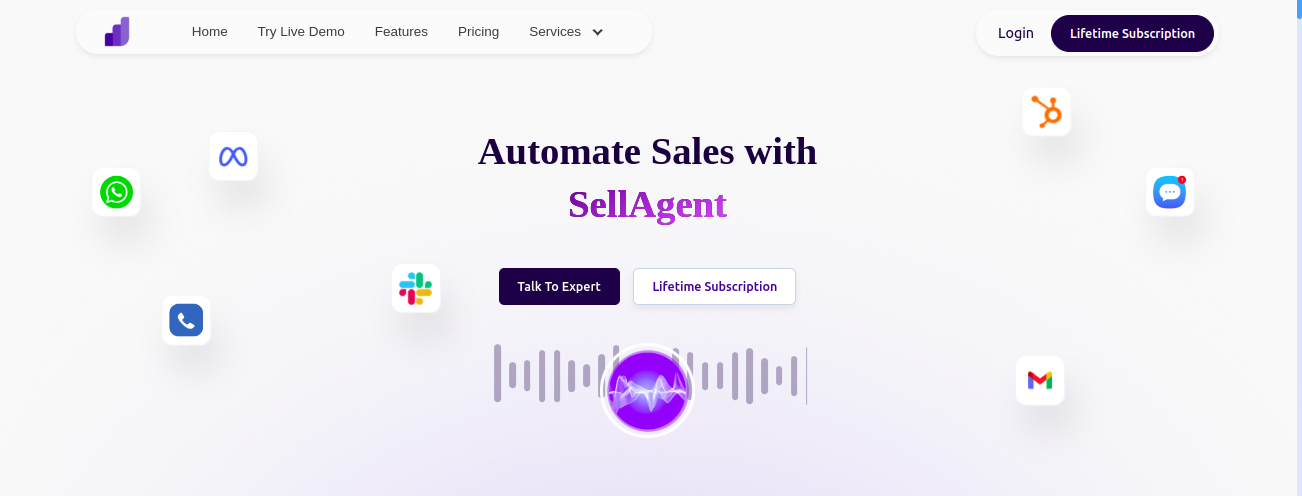 Here’s what **Sell Agent** offers:
Sophisticated voice agent platform for phone call operations
Create your first phone agent in 5 minutes
## Video Tutorials
Learn how to use key features of **Sell Agent** with these short, hands-on video tutorials.
Learn how to generate and use your **Sell Agent** API key securely.
Step-by-step video guide to create a Twilio SIP trunk and connect it to **Sell Agent**.
## API Reference & Integration
Explore **Sell Agent’s** API endpoints and see how to integrate with your system.
Learn how to set up inbound and outbound voice calls using **Sell Agent's** AI-powered calling system.
Learn how to import a phone number into **Sell Agent** using Twilio — either programmatically via API or through the dashboard UI.
Here’s what **Sell Agent** offers:
Sophisticated voice agent platform for phone call operations
Create your first phone agent in 5 minutes
## Video Tutorials
Learn how to use key features of **Sell Agent** with these short, hands-on video tutorials.
Learn how to generate and use your **Sell Agent** API key securely.
Step-by-step video guide to create a Twilio SIP trunk and connect it to **Sell Agent**.
## API Reference & Integration
Explore **Sell Agent’s** API endpoints and see how to integrate with your system.
Learn how to set up inbound and outbound voice calls using **Sell Agent's** AI-powered calling system.
Learn how to import a phone number into **Sell Agent** using Twilio — either programmatically via API or through the dashboard UI.