🔗 Bind Voice Agents
To enable calling, you must bind a voice agent to the number.Without an assigned agent, the number cannot make or receive calls.
- You can assign different agents for inbound and outbound calls.
-
To disable inbound or outbound:
-
Leave
inboundAgentIdoroutboundAgentIdunset. -
Example: If you only want to make calls but not receive callbacks, leave
inboundAgentIdunset.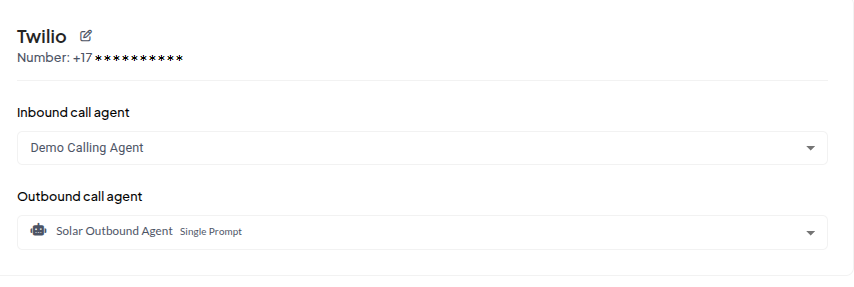
-
Leave
☎️ Make Outbound Call
You can initiate outbound calls using the Create Phone Number API or all the parameters you can use.phoneId: The internal ID of the phone number you imported or purchased and registered in Sell Agent.phoneNumber: The destination number you want to call, in E.164 format (e.g., +12135551234).agentId: The ID of the AI agent that should handle the call. This is the agent that will speak on the call.
- Node.js
- Python
🔄 Add Webhook for Post-call Events
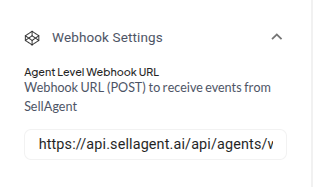
You can optionally set awebhookURL in your agent configuration. This webhook is triggered after each call ends, sending the full call transcript and other metadata to your server.
🛠️ Option 1: Programmatically
Set the webhook when creating or updating the agent:⚙️ Option 2: Through Agent Settings UI
You can also configure the webhook directly in the dashboard under Agent Settings: